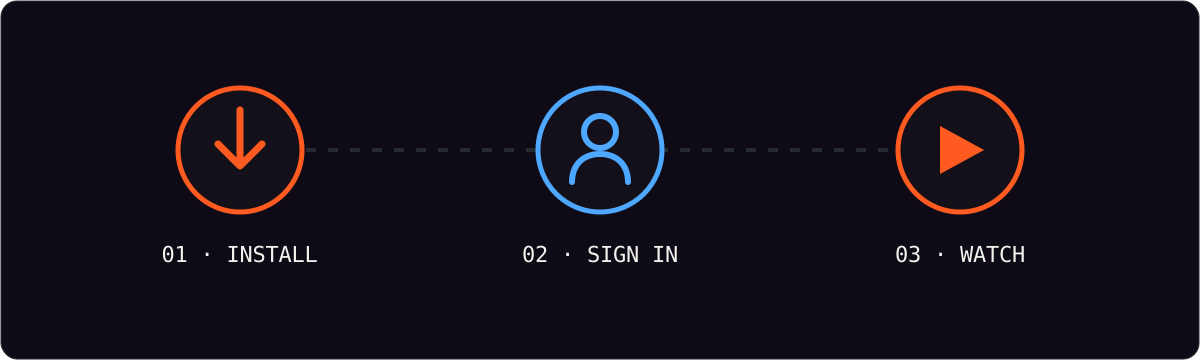
Android devices are the quickest route into IPTV. There is no sideloading and no store conflicts — you install a player from Google Play, sign in, paste your playlist and you are streaming in a couple of minutes.
What you need
Your username, your password and your playlist (M3U) URL, all supplied in your welcome message. Nothing else — no hardware, no adapter.
Install the player
Open the Google Play Store, search for an IPTV player, and install it. Players vary in design but all support the same login method, so the steps below apply to any of them.
Sign in and load your playlist
- Open the app and choose the login or “add account” option.
- Enter your username and password exactly as supplied.
- When prompted, paste your playlist URL.
- Let the app build the channel list — usually under a minute.
| Field | What to enter | Where it comes from |
|---|---|---|
| Username | Your account name | Welcome message |
| Password | Your account password | Welcome message |
| Playlist URL | The M3U address | Welcome message |
| EPG URL | Optional program guide | Included with most accounts |
Casting to a TV
If you want the big screen without a stick, use the cast icon in the player to mirror to a Chromecast or Android TV device on the same wifi. For a permanent living-room setup, a Firestick or Android TV box is smoother than casting.
Keeping it smooth
Use the 5 GHz wifi band where available, keep the player updated, and pin your most-watched channels as favorites so you are not scrolling a 20,000-channel list on a small screen.
Frequently asked questions
Do I need a paid player app?
No. Free players from Google Play handle the same login and M3U setup. A paid player sometimes offers a tidier interface, but it is not required.
Why is my channel list empty?
Almost always a credentials or playlist issue. Re-copy the URL, remove any extra spaces, and confirm the password is exact before restarting the app.
Can I use it on a tablet as well as my phone?
Yes — the same login works on both, subject to your plan’s device limit.