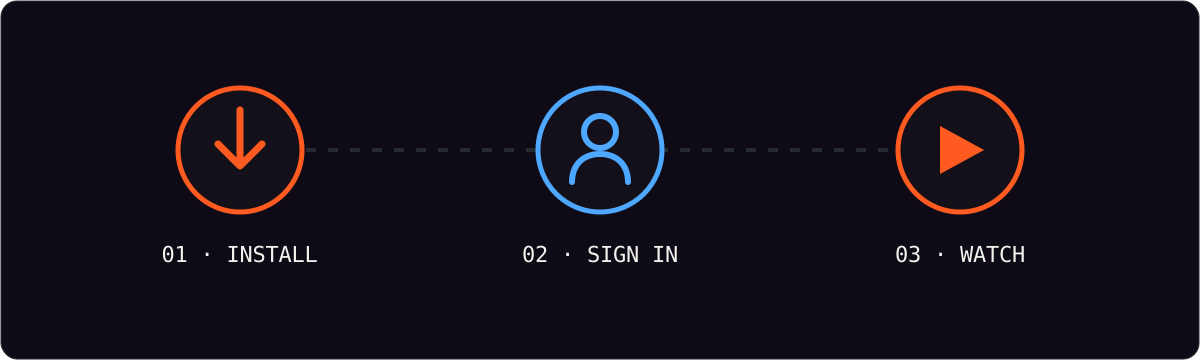
A Smart TV is the most natural place to watch IPTV: no extra box, no remote swapping, just your channels on the big screen. The setup is the same three steps on every brand — install a player app, sign in with your credentials, and load your playlist.
Before you start
You need two things from your welcome message: your username and password, and your playlist (M3U) URL. Have them open on your phone so you can copy and paste rather than typing on a remote.
- Credentials. Sent to your email or WhatsApp after checkout.
- Playlist URL. The address the app uses to load channels.
- Your Smart TV. Connected to the internet.
Samsung Smart TVs (Tizen)
Open the Samsung app store, search for an IPTV player, and install it. Launch the app, choose the login option, enter your username and password, then paste your playlist URL. The list builds itself, usually inside a minute.
LG Smart TVs (webOS)
Open LG Content Store, find a compatible player, and install it. On some models the app is preinstalled — you only need to enter your details. Sign in, add the playlist URL, and you are watching.
Android TV and Google TV
These behave like an oversized Android phone. Open the Play Store on the TV, install a player, and complete the same login and playlist steps. Favorites sync if you sign in with the same profile on other devices.
| Platform | Where to install | Typical setup time |
|---|---|---|
| Samsung (Tizen) | Samsung app store | 3 to 5 minutes |
| LG (webOS) | LG Content Store | 3 to 5 minutes |
| Android TV | Google Play on TV | 2 to 4 minutes |
| Google TV | Google Play on TV | 2 to 4 minutes |
If the app is not in the TV store
Some older or budget televisions do not carry a suitable player. The cleanest fix is a streaming stick — see our IPTV for Firestick guide — which plugs into the HDMI port and runs the full app. The subscription and login stay exactly the same.
The device only changes which app you install. Your login and playlist never change.
Getting a clean first setup
Copy and paste your credentials rather than typing them; a single wrong character is the most common reason a login fails. If your router offers a 5 GHz band, connect the TV to it for smoother HD. And give the playlist a moment to populate the first time — a large channel list can take up to a minute.
Frequently asked questions
Does my Smart TV need a special app store account?
No. You install from the television’s own store using the account you already have, then sign in with the IPTV credentials we send you.
Will IPTV work on an older Smart TV?
Usually. If the television’s store has no compatible player, a low-cost streaming stick gives you the same experience through the HDMI port.
Can I use the same login on the TV and my phone?
Yes, subject to your plan’s simultaneous-screen limit. One subscription follows you between devices.