Search for an IPTV service in 2026 and you will find hundreds of providers making identical claims: every channel, zero buffering, unbeatable price. The claims are easy to write; the delivery is what varies. This guide is the checklist we use ourselves — run a real trial, read the pricing properly, verify the picture on your own screen and learn the red flags before any money changes hands.
Why a free trial is non-negotiable
Every serious provider lets you test before you commit. A proper iptv trial gives you full access for a fixed window — usually 24 hours — so you can judge the service on your own internet, your own devices and at your own peak hours, not on a demo the provider controls. Long-running services such as great iptv built their reputation on exactly this model: try first, and pay only if the picture holds up when it matters.
A trial without full access is not a trial. If the demo only unlocks a handful of channels or caps the quality, you are testing a showcase, not the product. Look for the same servers, the same lineup and the same support that paying subscribers get.
What to test during your 24 hours
- Setup on your main device. If installing the player and signing in takes more than a few minutes, that tells you something. Our installation guide shows how quick it should be.
- Prime-time stability. Load the service during a busy evening or a live match. Peak hours are where weak servers fall apart.
- Your must-have channels. Check the specific channels you actually watch — the full channel list should be browsable before and during the trial.
- The VOD library. Open a few movies and series. A library that is big on paper but slow to load is a warning sign.
- Support response. Send a real question during the trial. How fast a human answers is how fast they will answer when you are a paying customer.
You can run this exact checklist on our own free 24-hour trial — no card required, full lineup unlocked.
Cheap IPTV versus good value
A cheap iptv plan is not automatically a bad one. Price only makes sense next to what is included: channel depth, server quality, picture tiers, support and the length of the term. A $9 plan that passes the trial checklist is better value than a $25 plan that buffers every evening.
What usually drives the difference between tiers is not magic — it is infrastructure. More channels, premium sports, 4K encodes and priority servers cost money to run. If you mainly watch news, kids and a few entertainment channels, an entry tier such as our cheap IPTV plans is often all you need. Pay for the tiers you will actually use.
HD, FHD or 4K — match the stream to your screen
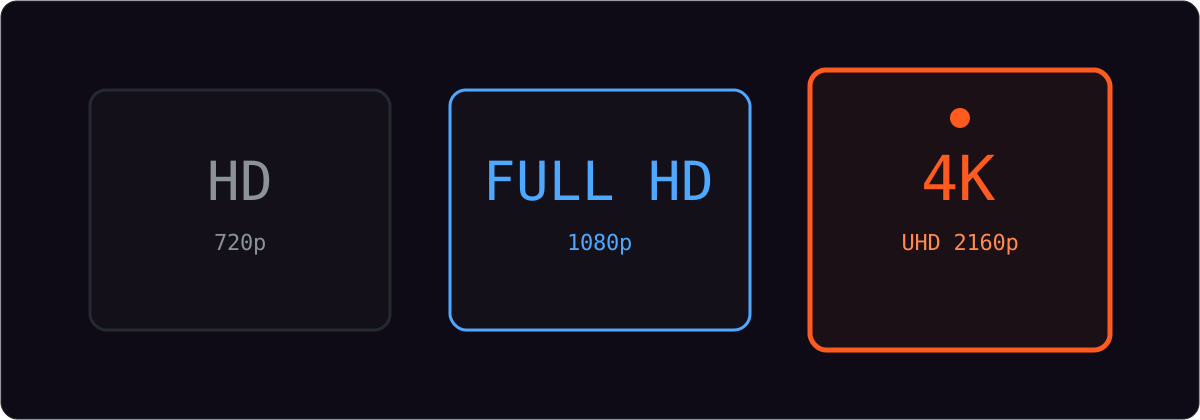
If you own a 4K television and a connection that can sustain roughly 25 Mbps, a 4k hd iptv package is worth the small premium — live sport in particular benefits from the extra detail. On smaller screens or slower lines, a well-encoded HD stream often looks better than a starved 4K one.
Good services adapt the stream to your connection instead of forcing one bitrate. During your trial, check whether the picture stays sharp when other devices are using the internet. If it collapses, read our guide on fixing IPTV buffering to work out whether the problem is your line or the service — and see our 4K IPTV page for what a real UHD tier includes.
Red flags that save you money
- No trial, or a card required to trial. Both remove your only real protection.
- Auto-renewal buried in the terms. One-time pricing for a fixed term is the honest model.
- No reachable support. If nobody answers before you pay, nobody will answer after.
- "Lifetime" deals. Servers cost money every month; a one-off forever price rarely survives contact with reality.
- Channel counts with no list. Big numbers are meaningless if you cannot browse the actual lineup.
The checklist at a glance
| Check | Why it matters | Pass mark |
|---|---|---|
| Free trial | Proof on your own setup | 24 hours, full access, no card |
| Peak-hour stability | Weak servers fail at 8pm | No buffering during live sport |
| Picture tiers | Match stream to screen | HD, FHD and 4K where supported |
| Pricing | No surprises later | One-time per term, no auto-renew |
| Support | Things occasionally break | Real humans, 24/7 |
| Devices | One login, every screen | Smart TV, phone, Firestick, PC |
Common questions
How long should an IPTV free trial last?
A full 24 hours with no card required is the fair standard. It is long enough to test setup, prime-time stability and the channels you actually watch — the three things that decide whether a service is worth paying for.
Is cheap IPTV always bad?
No. Low prices are fine when the basics are covered: stable servers, a real channel lineup, responsive support and a trial that proves it. Be suspicious only when a low price comes with no trial, no support or pressure to commit to a long term.
Do I need a 4K IPTV package?
Only if you have a 4K screen and a connection that can sustain it — around 25 Mbps or more. On smaller screens or slower lines, a well-encoded HD stream often looks better than a starved 4K one.
The bottom line
Choose with evidence, not claims. Run the trial at peak hours, check the channels you care about, match the picture tier to your screen and read the pricing once, carefully. A service that passes those tests has earned your subscription; one that refuses the test has answered the question already.
Ready to run the checklist yourself? Start a free 24-hour trial with Marinios IPTV Pro, or compare the packages and pick the tier that fits how you watch.