Buffering has a handful of causes, and almost none of them mean the service is broken. This checklist walks from the most likely explanation to the least, so you can fix it in minutes rather than guessing.
Is it your connection or the service?
Open the same channel on a second device on the same wifi. If both stall at the same moment, the fault is the connection or the network, not the stream. If only one device struggles, the issue is that device or its app.
1. Test the right way
A speed test taken at 3am tells you nothing about a match-night peak. Test at the hour you actually watch, on the channel you actually watch, and note whether the stutter is constant or occasional. Constant stutter points to bandwidth; occasional spikes usually point to wifi.
2. Bandwidth and wifi
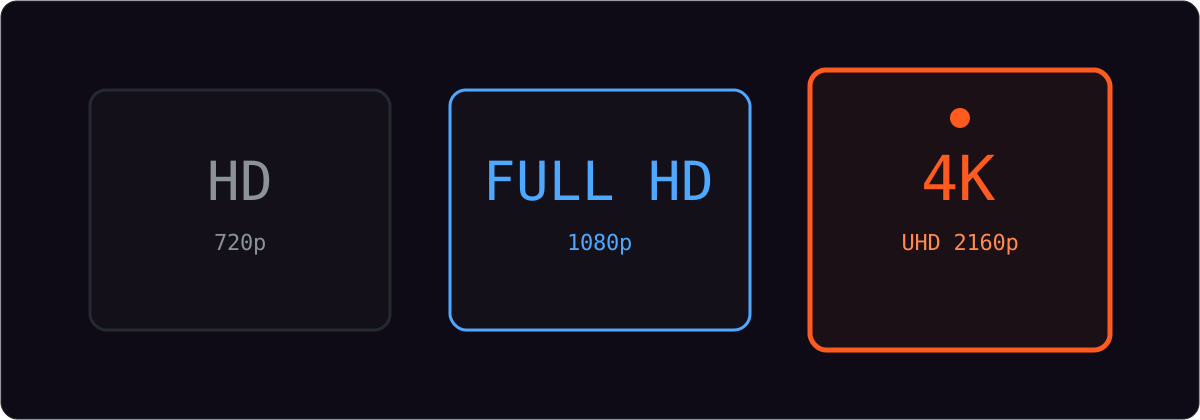
- Allow roughly 5 Mbps per HD stream and around 25 Mbps for a single 4K stream, multiplied by the screens in use.
- Move to the 5 GHz wifi band if your router has one.
- Prefer a wired connection for a fixed TV or box.
- Pause other downloads and updates during a match.
| Symptom | Most likely cause | First fix |
|---|---|---|
| Constant stutter on one channel | Source feed issue | Try another channel; report it |
| Stutter on every channel at night | Bandwidth / congestion | 5 GHz wifi or ethernet |
| Picture stays sharp but freezes | Device or app | Update or reinstall the player |
| Random short drops | Wifi interference | Move router or use cable |
3. Device and app fixes
Restart the app, then the device. Clear the player’s cache if it has the option, and make sure it is updated. On sticks and older televisions, clearing other background apps frees memory and steadies playback.
When to contact support
If a single channel misbehaves while others are fine, that is worth reporting — supports can often switch the source feed. Message us with the channel name, your device and a screenshot. See the contact page for the fastest route.
Frequently asked questions
Does a VPN cause buffering?
Sometimes. A VPN adds a hop and can slow you down. If you use one, try without it and compare.
Why does it only buffer at night?
Evenings are peak hours for every network. It usually means available bandwidth on your line or local wifi is the bottleneck, not the stream.
Is buffering a sign the service is bad?
Not on its own. Test a second channel and a second device first; most buffering traces back to the local connection or a single source feed.