Most people shopping for IPTV compare channel counts and price and stop there. Reasonable — but the difference between a service you keep and one you cancel usually comes down to everything around the channels: how the streams are delivered, how quickly you can find something to watch, and what happens when something goes wrong.
This guide walks through the features that matter, in roughly the order they affect your experience.
1. Stream delivery and anti-freeze technology
Everything else is secondary to whether the picture keeps playing. A premium service balances load across many servers so that one big event does not knock everyone else offline, and it uses adaptive bit-rate so the stream steps down gracefully instead of stalling when your connection dips.
- Load-balanced servers route viewers to the least-busy node.
- Adaptive bit-rate adjusts quality to your available bandwidth.
- Anti-freeze layers smooth over the micro-drops that cause visible stutter.
2. A real on-demand library
A 100k+ catalog sounds impressive, but curation is what makes it usable. Look for daily updates, clear categories, and metadata that includes posters, synopses and — crucially — subtitles and multiple audio tracks.
Channel count wins the advert. The VOD library and the uptime win the renewal.
3. An EPG that is actually populated
The electronic program guide is the quiet workhorse. A good EPG tells you what is on now and next, supports catch-up on channels that offer it, and lets you set reminders. A service that skips this leaves you channel-hopping blind.
4. Multi-device support
You should not have to re-buy the service for each screen. Modern players run on Smart TV, Android, iOS, Fire TV and desktop, and your login follows you between them. Pay attention to the simultaneous connection limit — that is the number that actually constrains a household.
5. Payment flexibility and no contracts
Premium does not have to mean expensive or locked-in. Look for one-time pricing across monthly, yearly and forever terms, with no automatic renewal trap. A free trial is the single best way to validate everything above before you pay.
6. Support and account management
The last feature you notice and the first you need is support. A premium service answers on live chat and WhatsApp within minutes, around the clock, and it can move your subscription between devices without a ticket dragging on for days. Self-service matters too: a clear welcome email that states your credentials, expiry date and renewal options saves everyone time.
How standard and premium features compare
| Feature | Standard | Premium |
|---|---|---|
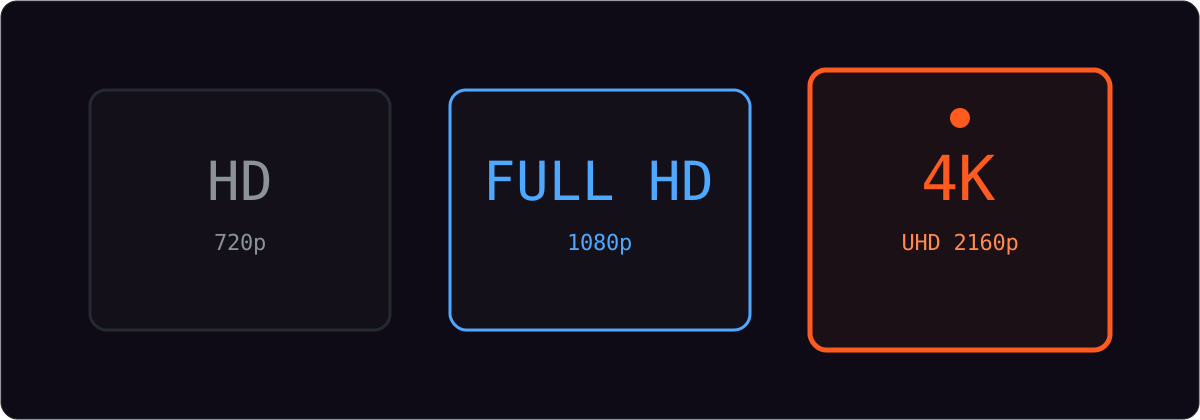
| Stream quality | HD and Full HD | Up to 4K UHD |
| Pay-per-view events | Not included | Included |
| Simultaneous screens | 1 | Up to 5 |
| Support | 24/7 chat and email | Priority response |
| On-demand library | Full | Full |
| Contract | None | None |
Frequently asked questions
Is premium worth it if I only watch on one screen?
Often not. If you stream on a single device and rarely watch pay-per-view, a standard plan gives you the same channels and library for less. Upgrade when you genuinely need extra screens or 4K.
Do premium plans cost more per month?
They cost more in total, but because everything is priced one time for the term you choose, the effective monthly figure usually stays below a comparable cable bill with an add-on tier.
Can I start on standard and upgrade later?
Yes. Plans are not locked in, so you can begin smaller and move up when your household needs more screens or higher quality.
How to test premium features in your own trial
A feature list only matters if it holds up on your connection. Use the free trial as a structured test rather than a casual browse. Spend the first few minutes on setup and login, so you know the app works on your device. Then work through the features above in order: open the busiest live channel you can find and watch for stutter, queue a couple of on-demand titles to check the library loads and plays, and pull up the program guide to see whether listings are populated for your region.
Finally, do the thing most people skip — test at the hour you actually watch. If your evenings are peak, open a live channel at 8pm and leave it running. Fifteen minutes of real conditions tells you more about delivery than any specification, and it costs you nothing beyond the trial you were going to use anyway.
What premium does not mean
It does not mean a channel count inflated with duplicated regional feeds, an interface buried in adverts, or support that only exists during office hours. Those are the opposite of premium, however they are worded.
If you want to see these features in practice rather than on a page, Marinios IPTV Pro offers a free 24-hour trial. Install it on your own device, test the busiest channel you can find, and judge the delivery for yourself.